

A stolen password can turn a normal cloud login into an unauthorised route to files, customer records and administrative controls. Multi-factor authentication, usually shortened to MFA, interrupts that route by asking for evidence from more than one type of authentication factor.
MFA is one of the most useful controls available for protecting a cloud application, but its strength depends on the method, the rollout and the recovery process. A weak exception or poorly protected administrator account can undo an otherwise sensible deployment.
MFA makes a stolen password less useful. Strong MFA also makes a convincing phishing page less useful.
The difference between having MFA and choosing it wellMFA combines distinct types of identity evidence
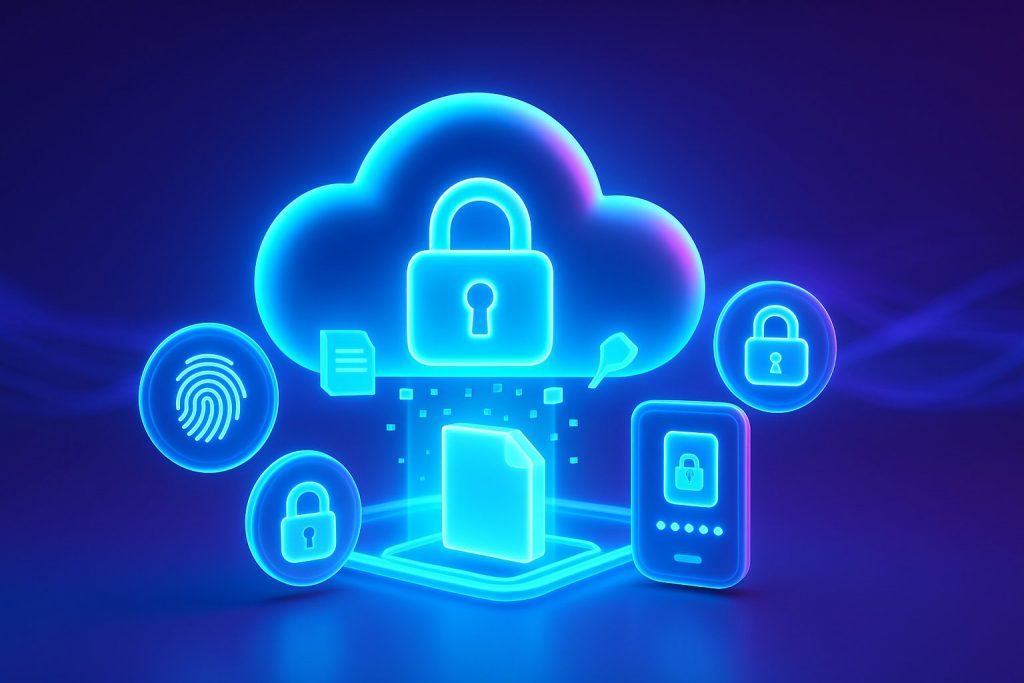
Authentication factors usually fall into three broad groups: something you know, such as a password or PIN; something you have, such as a security key or registered phone; and something you are, such as a fingerprint or face measurement. MFA requires evidence from more than one group.
This distinction matters. Asking for a password and a second memorable answer still relies on two things the person knows, so it does not provide the same separation. A password combined with a cryptographic security key, or a passkey unlocked by a device biometric, creates a stronger barrier because the attacker must overcome different controls.
Password exposed
A credential is guessed, reused from another breach or entered into a phishing page.
Login challenged
The cloud application asks for another factor rather than accepting the password alone.
Attacker blocked
The criminal cannot complete the required device, biometric or cryptographic check.
Activity reviewed
Repeated prompts or failed logins can trigger investigation and account protection.
Prefer phishing-resistant MFA for sensitive cloud access
The UK National Cyber Security Centre recommends strong MFA for every person accessing sensitive data and advises organisations to choose methods according to the sensitivity of the service. CISA and NIST also encourage phishing-resistant authentication wherever practical.
Passkeys and FIDO security keys
These methods bind authentication to the genuine service, which makes it much harder for a fake login page to relay the credential. They are a strong choice for administrators, finance teams and people handling valuable or regulated information.
Authenticator apps with number matching
Time-based codes and carefully designed push approvals can add useful protection. Number matching helps reduce accidental approval and "MFA fatigue", where an attacker sends repeated prompts hoping the account holder accepts one.
SMS and email codes
These methods are usually better than a password alone, but they remain vulnerable to phishing, account takeover and communications-layer attacks. Treat them as a fallback where stronger options cannot yet be deployed.
A prompt is not proof by itselfTeach people to reject unexpected approval requests and report them. An attacker who already knows the password may trigger repeated notifications, call the employee or impersonate support staff to secure an approval.
Coverage, recovery and monitoring determine whether the control holds
Start with privileged accounts because administrators can change security settings, create users and access broad data sets. Then cover every account that reaches sensitive information, including contractors and external collaborators. The NCSC advises against leaving MFA optional for these users.
Service accounts and system-to-system integrations need separate treatment. They may not support an interactive second factor, so use modern service authentication, tightly limited permissions and managed credentials rather than creating a permanent MFA exemption around a powerful account.
Recovery deserves the same design effort as enrolment. Helpdesk staff should verify identity through a documented process before resetting a factor. Backup codes must be stored securely, lost devices should be revoked quickly, and emergency "break glass" accounts should be few, protected and heavily monitored.
Cloud application MFA rollout check
0 of 7 in placeMFA does not replace the rest of cloud security
A valid session can still be stolen. Excessive permissions can expose more data than a person needs. Malicious OAuth consent, insecure recovery, vulnerable endpoints and misconfigured sharing can bypass the protection expected from the login. Combine MFA with least-privilege access, device security, session controls, logging and regular account reviews.
Add a stronger identity check before sensitive files are accessed
My MX Data is a secure B2B file-exchange platform for controlled exchanges between organisations. After this first reference, MX provides the shorthand. MX supports multi-factor authentication alongside named-recipient access, permissions, expiry conditions, AES-256 encryption and detailed activity records.
This layered approach matters when a customer, supplier or project partner receives intellectual property, financial information, technical data or personal records. A password does not stand alone, the intended recipient is known, and the organisation can retain evidence of access and downloads. The platform's controlled B2B file-exchange model is designed around that accountable handoff rather than open public links.
MFA helps MX customers support wider information-governance and compliance objectives, but it does not automatically make an organisation compliant. Policy, lawful processing, user administration, endpoint security and incident response remain part of the customer's responsibility.
The practical testReview one sensitive cloud application this week. Confirm whether MFA is mandatory, identify the weakest permitted method, test the recovery route and check whether administrators can see suspicious factor changes. The gaps are often found outside the normal login screen.